
Who sends the money to the charity after checkout donations are collected?
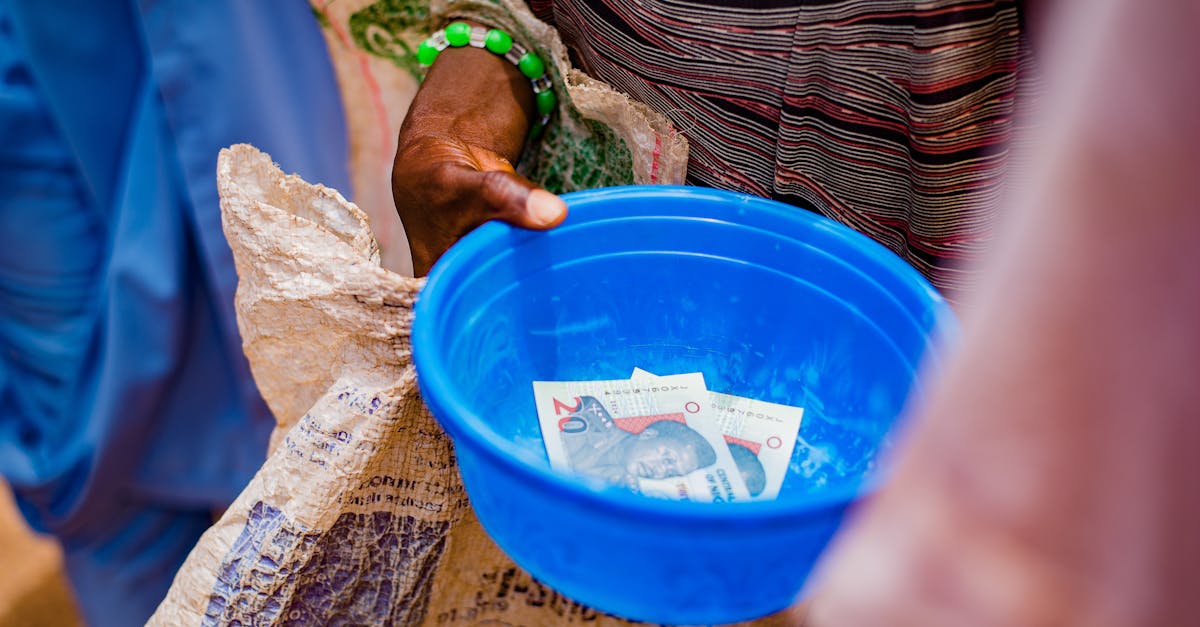
The Money Goes to You First
A checkout donation is collected by your store, not by the charity and not by an app. That single fact explains everything else about how this works.
When a shopper taps a round-up, the amount joins their order. It clears through your payment processor with the products, lands in the same deposit, and sits in your business account alongside product revenue. At no point does it visit the charity or a third party.
This is not a design flaw. It is the only arrangement that lets a donation ride an existing checkout without a second payment, and the second payment is what kills conversion. The price of that convenience is that the money passes through you.
For merchants on OpoShop, that means the donation appears in your payouts like any other line. Your bank does not know it is a donation. Your accounting software does not know it is a donation. Only your records know, which is why the records matter.
Why an App Cannot Send It for You
Apps installed on a store operate inside strict limits, and moving money is outside all of them.
A store app can read your orders, write products, and add controls to your storefront. It cannot initiate a payment, cannot access your payout account, and cannot instruct your processor to send funds anywhere. Those capabilities belong to the payment processor and to you as the merchant of record.
There is also a regulatory reason, and it is the bigger one. Taking money from one party and passing it to another is money transmission, and in most places that is a licensed activity with real compliance obligations. A small app vendor is not going to take that on, and you should be suspicious of one that claims to.
So when you evaluate donation tools, the honest ones will tell you plainly that you make the transfer. If a tool is vague about who moves the money, ask directly. On OpoShop the merchant is the merchant of record for every order, which settles the question.
What the Software Should Do Instead
If the software is not moving money, the fair question is what it is actually for. The answer is that it removes the two genuinely hard parts.
The first hard part is knowing the number. Your payout is a blended figure containing product revenue, shipping, tax and donations. Separating out the donation portion by hand means opening orders one at a time, and it stops being feasible somewhere around the fiftieth order.
The second hard part is knowing which number. There are at least four plausible totals: what shoppers chose, what you collected after discounts, what is on paid orders only, and what you have not yet sent. Only one of those is what you owe today.
- What shoppers chose: Useful for understanding behaviour, wrong for remittance because discounts reduce it.
- What you collected: The right figure, net of anything that touched the donation line.
- Paid orders only: Excludes abandoned checkouts and refunded orders, because you do not hold that money.
- Not yet remitted: The one number you act on, and the only one that should be large and obvious.
Good donation software collapses those four into one actionable figure and shows the working behind it. That is a bookkeeping job, and bookkeeping is something software is genuinely good at.
There is a third job worth mentioning, which is keeping the figure correct as the past changes. Order statuses are not fixed. A payment clears an hour after checkout, a refund lands a week later, and a cancellation can arrive a month after that. A report that was written once and never revisited drifts out of step with reality quietly. Anything you rely on for remittance in an OpoShop store should re-read your orders on a schedule rather than trusting what it recorded at the time.
How to Actually Send It
The transfer itself is the easy part once the number is right. What matters is having a rhythm rather than a heroic quarterly reconstruction.
Three details separate a clean process from a messy one.
1. Pay it like an invoice, not like a favour
The reason donation money sits uncollected is almost never bad intent. It is that "send the donations" lives on a mental to-do list rather than in the same place as rent and supplier payments. Move it into the same place and the problem disappears.
Put a recurring calendar entry on the same day you do your other monthly finances. Ten minutes, once a month, permanently solved. Most OpoShop merchants who run donations well have simply attached the transfer to something they were already doing.
2. One transfer per period, with a clear reference
Do not send a transfer per order. Send one payment covering the period, and put your store name and the date range in the reference so the charity can reconcile it without emailing you.
Charities have their own bookkeeping, and an unexplained deposit is a problem for them too. A clear reference is a small courtesy that makes you easy to work with, and it costs you nothing beyond typing your OpoShop store name into a field.
3. Stamp the period as paid
Once the transfer is out, mark those orders as remitted in your records. Without that step, next month's report either double-counts what you already sent or forces you to remember what you did, and memory is not a control.
Three Models for Getting Money to a Cause
Checkout donations are one of three arrangements, and they differ mainly in who holds the money and who carries the obligation.
| Model | Who collects | Who transfers | What it demands of you |
|---|---|---|---|
| Checkout donation | Your store | You, on a schedule | Discipline and a clean record |
| Donation platform link | The platform | The platform | Almost nothing, but you lose the conversion |
| Percentage of sales pledge | Your store | You, out of margin | A margin commitment rather than a shopper ask |
The donation platform link is the one that genuinely removes your obligation. You send shoppers to a dedicated giving page, the platform handles the money, and you are out of the chain entirely. The cost is that most shoppers never arrive, because you asked them to leave your checkout.
The percentage of sales pledge does not involve your shoppers at all. You give from margin, on your own schedule, with no collection obligation. It is clean, it is expensive, and it does not create the shared moment that makes customers feel part of something.
Checkout donations sit in between. They convert best because they are frictionless, and they cost you nothing off margin, but they hand you a real obligation to pass money on. That trade is worth making for most OpoShop stores as long as you take the obligation seriously.
Do Not Let It Pile Up
Money collected for a cause and held indefinitely is the one genuine risk in running checkout donations.
Practically, it becomes hard to reconcile. Nine months of blended payouts is difficult to untangle, and by the time you try, refunds and cancellations have muddied the arithmetic.
Reputationally, it is worse. You told shoppers their money was going to a food bank. If a customer asks in month seven and the answer is that it is still in your account, the promise looks hollow regardless of your intentions.
There may also be legal implications depending on where you operate, because money solicited for a charitable purpose is treated differently from ordinary revenue in many jurisdictions. This is a question for your accountant rather than a blog, but the safe practice is the same everywhere: send it promptly and keep the record.
The prevention is trivially easy, which is what makes the failure frustrating. Pick a date. A store on OpoShop with a monthly rhythm and a one-click report never gets anywhere near this problem.
What to Tell Your Customers
Once you have sent the money, say so. This is the step most stores skip and the one that compounds.
A shopper who rounded up in March has no idea whether anything happened. Telling them converts a small transaction into a relationship. Post the running total on your storefront, mention it in an email once a quarter, and name the cause every time.
Be specific and be honest. "Our customers have raised $4,318 for Riverside Food Bank since March" is far better than "we support local causes", and it has the advantage of being checkable. Do not round it up, do not include money you have not collected, and do not blend in your own company giving without saying so.
If you want to include what your business gave separately, that is a good thing to share, but keep the two figures apart. Merging them makes the customer number look bigger and quietly takes credit from the people who actually gave it.
Best answer: You send the money. Checkout donations are collected by your store as part of a normal order, so the funds reach your payout and the transfer to the charity is yours to make. No installed app can move money out of your account, and any tool suggesting otherwise deserves a hard question. What good software does is separate the donation portion from your blended payout, count only orders you were actually paid for, subtract anything a discount took back, and show you one outstanding figure. On OpoShop that turns remittance into a ten-minute monthly job instead of a quarterly reconstruction.
If you want the number to be one click away when your transfer day comes around, set the reporting up before the first donation lands.
FAQs
Can I set up automatic transfers to the charity?
Not from a store app, but you can from your bank. Once you know your typical monthly figure you could schedule a standing transfer and true it up periodically, though most stores find a manual transfer against the real number is simpler and avoids over or under paying.
How often should I send the money?
Monthly suits most stores. Quarterly is acceptable if your volume is low and the amounts are small, but anything longer starts to feel like holding funds. Whatever you choose, tell your customers on the page where you ask, because a stated schedule is a promise you can be held to and that is a good thing.
What if the charity wants a breakdown?
Give them a CSV with one row per order showing the date and amount, plus the total for the period. Most will only want the total and the dates, but being able to produce the detail on request is what makes the total credible and makes you a partner they trust.
Do I need a formal agreement with the charity?
For a small store passing on modest amounts, usually not, but tell them you are doing it. Charities have rules about how their name is used, and a store fundraising in their name without their knowledge can create a real problem. A short email and their written agreement takes an afternoon and protects both sides.
What if I collect donations and then close the store?
You still owe the money. Send whatever is outstanding before you wind anything down, and keep the record. This is another reason to remit monthly rather than annually, because a clean short cycle means there is never a large unresolved balance attached to your business.
Can I take a fee for handling the donations?
You should not, and most shoppers would be unhappy to learn you had. The donation belongs to the cause in full. If the payment processing fee bothers you, absorb it as a cost of doing business or discuss it openly on your giving page rather than quietly deducting from what shoppers gave.
Ready to make passing the money on a ten-minute job? Start with a report that knows exactly what you owe.


