How Do I Tell If My Customers Actually Want a Charity Option at Checkout?
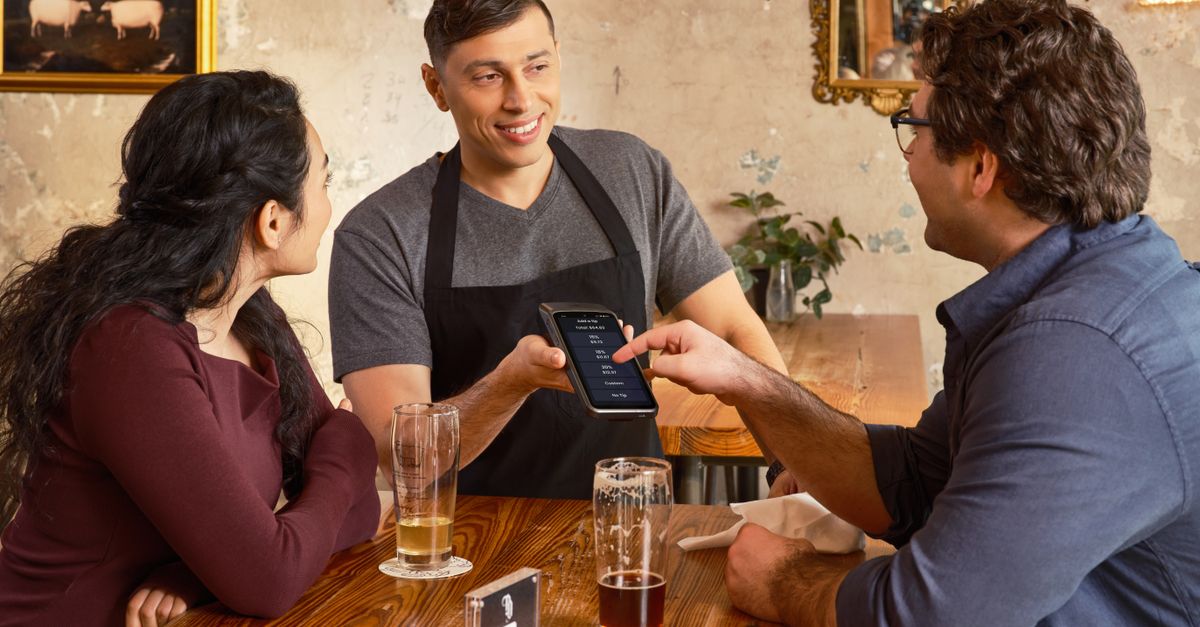
How to Tell If Your Customers Want a Charity Option at Checkout
You need evidence, not optimism. If shoppers already respond to your cause messaging, if the cause makes sense for your brand, and if a small test gets real opt-ins without hurting sales, you have your answer.
That matters even more if you sell on OpoShop, because a checkout ask lives close to the moment of purchase. A good ask can feel natural. A bad ask can feel like one more thing standing between the shopper and the order.
The safest path is simple: start small, keep the ask optional, and measure what happens.
What Is a Charity Option at Checkout?
A charity option at checkout is an optional donation prompt added to the buying flow so shoppers can give while placing an order. The two most common versions are a round-up to the next whole dollar and a fixed add-on amount like $1, $2, or $5.
For an OpoShop merchant, that usually means the donation is processed through the same normal checkout the customer is already using. No second payment step. No separate form. No awkward handoff.
That last part matters a lot. If a shopper has to leave your cart, open another screen, or make a second transaction, interest drops fast.
A clean checkout donation setup should also make the back end manageable. You want a per-order donation ledger, clear remittance reporting, and a simple way to see what shoppers raised together. Front-end participation is only half the job. The money still has to be tracked and paid correctly.
Why Customer Demand for Checkout Donations Matters
Customer demand matters because a donation ask changes the buying experience. Even a small change in cart or checkout can help, do nothing, or create friction.
Small DTC brands do not have much room for sloppy experiments. If you run an OpoShop store, you already know that cart performance is precious. Every extra choice needs to earn its place.
There is also the brand side of it. If the cause fits what your store already stands for, the ask can feel honest. If the cause feels random, shoppers notice that too.
This is where a lot of brands get tripped up. They assume customers like generosity, so customers will like a donation prompt in checkout. Those are not the same thing.
People can support the idea and still skip the ask. People can love the cause and still dislike a pushy prompt. People can donate more often when the amount is tiny and effortless, especially with round-up.
That is why validating interest matters before a full rollout. You are not just asking, "Do customers care?" You are asking, "Do customers care enough to say yes here, in this moment, in this format?"
How to Tell If Your Customers Actually Want It
The best way to tell if customers want a charity option at checkout is to look at behavior first, ask direct questions second, and then run a limited store test. That order keeps you grounded in what shoppers do, not just what they say.
1. Review customer behavior
Start with the signals you already have. If customers click on cause-related emails, respond to impact posts, or mention your giving in reviews or support messages, that is useful evidence.
If your brand already donates, look at whether customers engage more when you talk about that work. Brands that already have a visible giving story often have an easier time inviting shoppers to join.
You are not looking for perfect proof here. You are looking for clues that the idea will feel natural instead of out of left field.
2. Check whether the cause actually fits
Customer interest depends a lot on the cause you choose. A tight fit makes the ask easier to understand. A weak fit makes the ask feel bolted on.
A pet brand supporting animal rescue makes immediate sense. A baby brand supporting maternal health makes immediate sense. A random cause with no connection to your products, audience, or founder story is harder work.
If you sell on OpoShop, keep this standard: a shopper should understand the connection in one sentence.
3. Ask customers directly, but keep it light
You do not need a giant research project. A short email survey, a post-purchase poll, or a one-question popup can tell you plenty.
Ask things like:
- Would you be interested in rounding up your order for a cause we support?
- Would you be more likely to give a small round-up or choose a fixed amount like $1, $2, or $5?
- Which cause feels most aligned with our brand?
The tone matters. You are asking for input, not asking for a donation yet.
Weak: "Support our mission by donating now and helping us make a difference." Stronger: "Would you want an optional round-up for the local food bank at checkout, or would you rather skip that kind of ask entirely?"
The stronger version is better because it sounds honest. It gives the customer room to say no.
If you want a clean way to test a low-friction ask inside your normal checkout flow, this is where we would keep it simple and measurable.
4. Launch a limited test
A limited test beats a storewide rollout almost every time. Show the donation prompt to a segment, a campaign audience, or a short seasonal window first.
For many OpoShop merchants, the easiest first test is round-up to the next whole dollar. The amount feels small, the decision is fast, and the ask does not force the shopper to do math.
Fixed amounts can work too, especially if your average order value is higher or your audience already knows the cause well. But fixed amounts create a bigger choice. Bigger choice usually means more friction.
5. Measure the right numbers
A checkout donation test is working if shoppers opt in at a healthy rate and your store metrics stay steady or improve. Donations alone are not enough.
Track these numbers:
| Metric | What it tells you | What to watch for |
|---|---|---|
| Opt-in rate | How many shoppers accept the ask | Whether round-up or fixed amounts get more participation |
| Conversion rate | Whether the ask hurts completed orders | Any drop after the prompt appears |
| Average order value | Whether the ask changes order size | Small lifts, flat performance, or declines |
| Donation total per order | How much shoppers give when they opt in | Whether tiny asks outperform bigger asks through volume |
| Repeat purchase behavior | Whether the program supports long-term brand trust | Whether donors come back at the same or better rate |
A good checkout donation opt-in rate for a small ecommerce store depends on audience fit, cause fit, and how the ask is presented. There is no magic number that applies to every OpoShop store. What matters most is whether customers participate without dragging down conversion.
Best Ways to Validate Demand Before a Full Rollout
The fastest way to validate demand before a full rollout is to use methods that are easy to launch and easy to compare. You want low risk, clean feedback, and a path to a real test.
Here is how the main options stack up:
| Validation method | Speed | Risk | What you learn best | Best use case |
|---|---|---|---|---|
| Customer survey | Fast | Low | Stated interest and cause preference | Early signal before setup |
| Post-purchase poll | Fast | Low | How buyers feel right after ordering | Better than asking non-buyers |
| Small-segment cart test | Medium | Medium | Real opt-in and conversion behavior | Best proof before rollout |
| Round-up test | Medium | Low | Whether tiny, low-friction asks work | Strong first live test |
| Fixed amount test | Medium | Medium | Whether customers will choose a larger donation | Good second test after round-up |
| Seasonal pilot | Medium | Low to medium | Whether urgency or campaign context helps | Holiday or cause-awareness tie-ins |
Surveys are useful, but shoppers often say yes to ideas they later ignore. That is why live behavior matters more than stated interest.
Post-purchase polls are underrated. A buyer who just completed an order is in a better position to answer honestly about whether a checkout ask would feel welcome.
Round-up usually wins as a first test because it is the lightest lift. Fixed amounts are worth testing after that if your audience already shows strong cause engagement.
And if your brand already donates, do not hide that context. Tell customers the store already supports the cause and you are testing whether they want to join in. That framing feels much more natural.
Need a more structured way to compare prompts and placements before you change your whole OpoShop cart flow?
Common Mistakes When Judging Customer Interest
The biggest mistake is assuming all shoppers want to give just because your team cares about the cause. Good intent does not guarantee customer participation.
Another common mistake is choosing a cause with weak brand fit. If shoppers cannot see the connection fast, the ask feels random.
Too many donation choices can also hurt results. A round-up plus $1, $2, $5, custom entry, and multiple charities sounds generous. It also creates decision fatigue.
Pushy copy is another problem. If the prompt sounds like guilt, shoppers pull back.
And a lot of merchants judge success on donation total alone. That is too narrow. A prompt that raises money but drags down orders is not a win.
There is also an operational mistake people miss early. They think only about the cart experience and forget the bookkeeping. If your OpoShop store cannot clearly track per-order donations and show what should be remitted to the cause, the program gets messy fast.
One more thing. Do not treat an optional storefront counter as proof of demand before launch. A counter can be a great trust and participation signal after the program is live. It is not a substitute for validating customer interest first.
What We Recommend for Small Ecommerce Brands
For most small ecommerce brands, we recommend starting with a simple round-up or a very small fixed ask in cart, then measuring real behavior before expanding. That keeps the test easy for shoppers and manageable for your team.
If you already donate to a cause, start there. That existing connection gives the ask context. Customers are usually more open to joining something your brand is already doing than funding something brand new with no story behind it.
If you sell on OpoShop, keep the first version tight:
- One cause
- One simple prompt
- One low-friction amount style
- One test window
- One scorecard for results
Round-up is usually the clean first move. If round-up gets weak participation but conversion stays healthy, test fixed amounts next. If fixed amounts get ignored, go back to the lighter ask.
Operationally, keep the back end as clean as the front end. A per-order donation ledger matters. A remittance report matters. If customers are helping fund the giving, your records need to be easy to reconcile and easy to trust.
Best answer: Start with an optional round-up or very small fixed donation inside your normal checkout, test it on a limited slice of traffic in your OpoShop store, and judge success on opt-ins, conversion, average order value, and clean remittance tracking together. The best proof is not customer opinion by itself. The best proof is measured behavior with low friction.
FAQs
Will adding a charity option at checkout hurt conversion?
A charity option at checkout does not automatically hurt conversion, but a clunky or pushy prompt can. A simple, optional ask inside the normal checkout flow is much safer than adding extra steps or too many choices.
Should I ask for round-up donations or fixed amounts like $1, $2, or $5?
Round-up is usually the better first test because it feels small and easy to accept. Fixed amounts are worth testing after that if your customers already show strong interest in the cause or your brand has a clear giving story.
How do I A/B test a donation prompt at checkout?
A clean A/B test compares one version with the donation ask against one version without it, or compares round-up against fixed amounts. Keep the cause, placement, and copy as steady as possible so you can tell what actually changed the result.
What should I track for a checkout donation program?
Track opt-in rate, conversion rate, average order value, donation total per order, and repeat purchase behavior. For an OpoShop store, you should also track per-order donation records and remittance accuracy so the program stays easy to manage.
Should I ask for donations in cart, checkout, or post-purchase?
Cart or checkout usually works best if the donation is processed with the order and does not add a second payment step. Post-purchase can still be useful for research, especially if you want to poll buyers before adding a live ask.
Why are my checkout donation opt-ins low?
Low opt-ins usually point to one of five problems: weak cause fit, too much friction, too many options, unclear copy, or an ask that feels too large for the moment. Start by simplifying the prompt and testing round-up against fixed amounts.
Summary
You do not need to guess whether customers want a charity option at checkout. You need a simple test.
Look for behavioral signals. Choose a cause that fits. Ask customers in a low-pressure way. Then run a small live test in your OpoShop store and watch opt-in rate, conversion, average order value, repeat purchase behavior, and the operational side of remittance.
If you want to validate demand with a low-friction round-up or fixed donation test inside your normal checkout, Givly is built for exactly that.